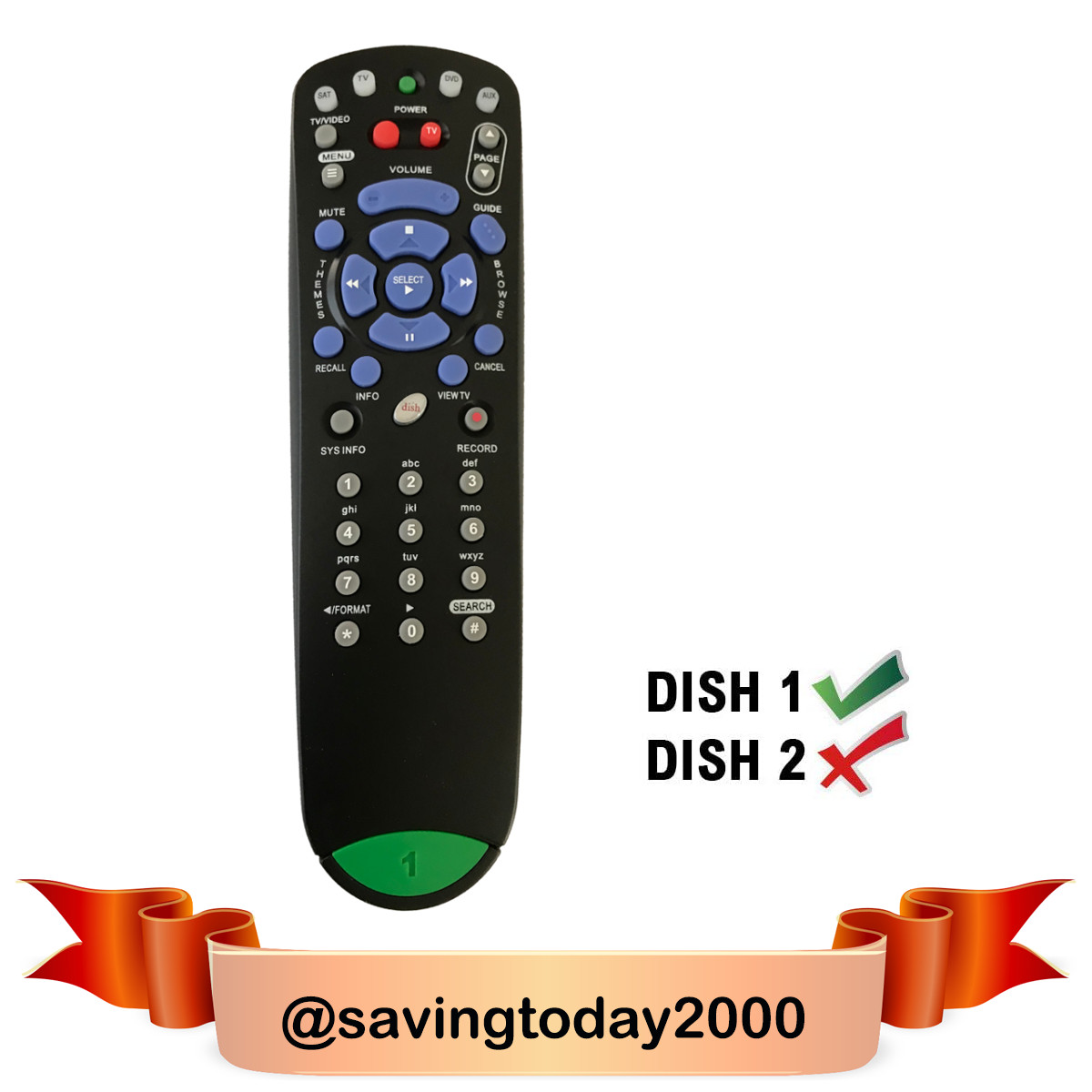
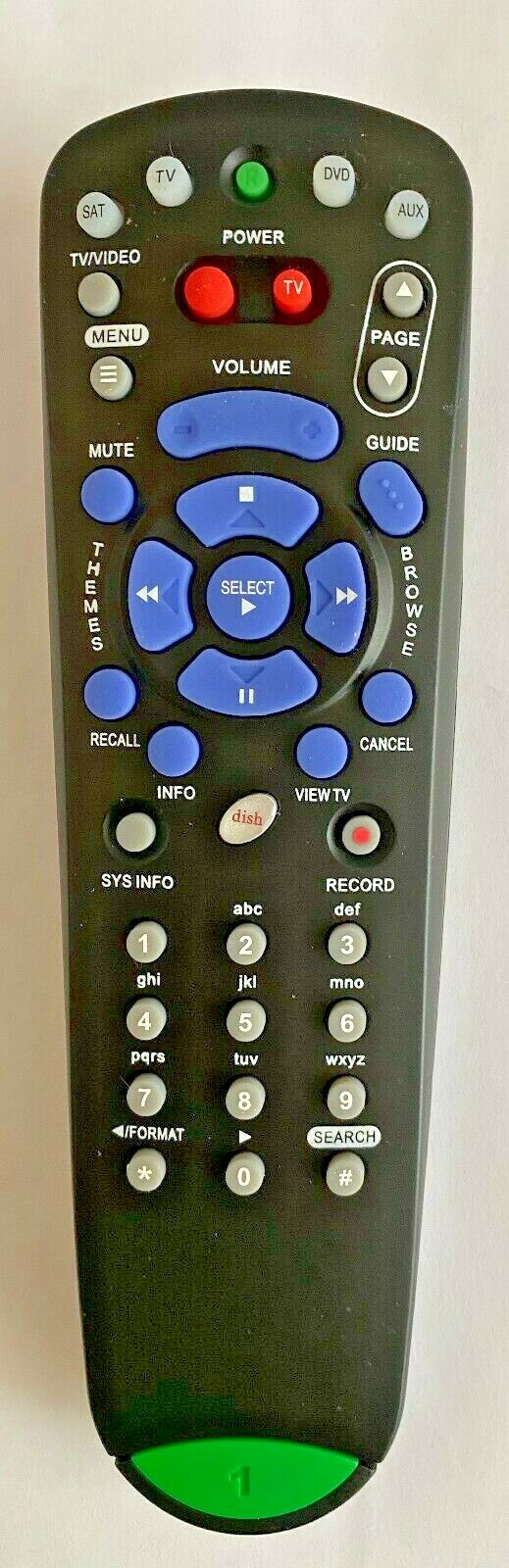
New Replace Remote
For Dish Network 132577 4.0 Ir Sub Dish 322 Receiver
USD $10.99
Condition : New
Free Shipping
{{variant_type_name}} :

Notify me when the price drops
We will email you if we find a lower price on this product!
NEW High Quality Remote DISH Network 4.0 IR 132577 Remote Control with TV SAT DVD AUX* This is a Replacement Remote, CAN NOT be programmed to work with other devices.* Condition: New.
* No Programming Required ! Put batteries in and work !* Batteries and Manual not included.
* 30 Days Hassle-Free Return
(ctrl + F) and enter your model to find it. If you don't see it please email us and we'll let you know.
PayPal is the preferred payment method for most eBay buyers and sellers. PayPal lets you send payments quickly and securely online using a credit card or bank account. You can track the status of your payment using My eBay or your PayPal account. It's safely encrypted through PayPal's server to help minimize any risk of unauthorized use. On eligible transactions you're covered by PayPal Buyer Protection for up to the full purchase price of your item, plus original shipping charges.
* No Programming Required ! Put batteries in and work !* Batteries and Manual not included.
* 30 Days Hassle-Free Return
(ctrl + F) and enter your model to find it. If you don't see it please email us and we'll let you know.
- Four-function remote control
- Will operate up to four devices: SAT, TV, VCR, AUX
- Emits IR (infrared / line-of-sight) signal
- Instructions:1. It can not be set up in SAT mode. The setting method for TV and DVD device is as below: 1) Keeping pressing TV or DVD button till led lamps light up, then release the button. Input 4 codes. press#button to exit the setting. Led light blink twice, it means setting successfully.2. It can be set up TV and DVD function in AUX mode .The setting method is as below: 1) Keep pressing the AUX button till all LED lamps light up then release it. Input 4 digital codes ,press # button to exit the setting. Led lights blink twice, it is setting up successfully.3. Manual search 1) Press the device button you need , release it till all LED lamps light up .if it is TV or DVD device,turn to the step 3) directly, if AUX device ,follow up step 2) 2) 0---TV 1---DVD/VCR/BD 2---TUNER /AUDIO Pressing the corresponding number matches to the device firstly ,then press the button(*) Press the POWER button then press the button (UP) to start searching codes. If the device is powered off ,press the # button to exit the setting.4. Display device code 1) Press the device you need ,release it till all Led lamps light up. Then press the # button twice. 2) The corresponding device Led will be flashing three times, Flash is the number of the corresponding code. Quick Flashing once is 0 3) If the SAT button is pressed, SAT Led light is flashing from 1-28, this is the current code of the device. 4) If the AUX button is pressed, the first displayed is the corresponding mode:0---TV 1---DVD/VCR/BD 2---TUNER/AUDIO, the next displayed is the code for the corresponding device
PayPal is the preferred payment method for most eBay buyers and sellers. PayPal lets you send payments quickly and securely online using a credit card or bank account. You can track the status of your payment using My eBay or your PayPal account. It's safely encrypted through PayPal's server to help minimize any risk of unauthorized use. On eligible transactions you're covered by PayPal Buyer Protection for up to the full purchase price of your item, plus original shipping charges.
Why buy from us?
1. Perfect Quality Control
2. Excellent Service Before & After Sales
3. We always check our eBay message box
4. We ship out the order in 1 business day with delivery confirmation
If you need assistance no matter it is before or after sales, we are more than happy to help you immediately. Feel free to contact us and let us help you to solve any questions you have.
E-mails will be replied within 24 hours.

Price type
IN STOCK
OUT STOCK







 .
